LidOrbit keeps your terminal scripts, local LLMs, and agentic AI loops executing flawlessly — even when your laptop lid is snapped completely shut.
Lid Closed. Agents Armed. Zero Interruptions.
OVERVIEW VIDEO — DROP EMBED HERE
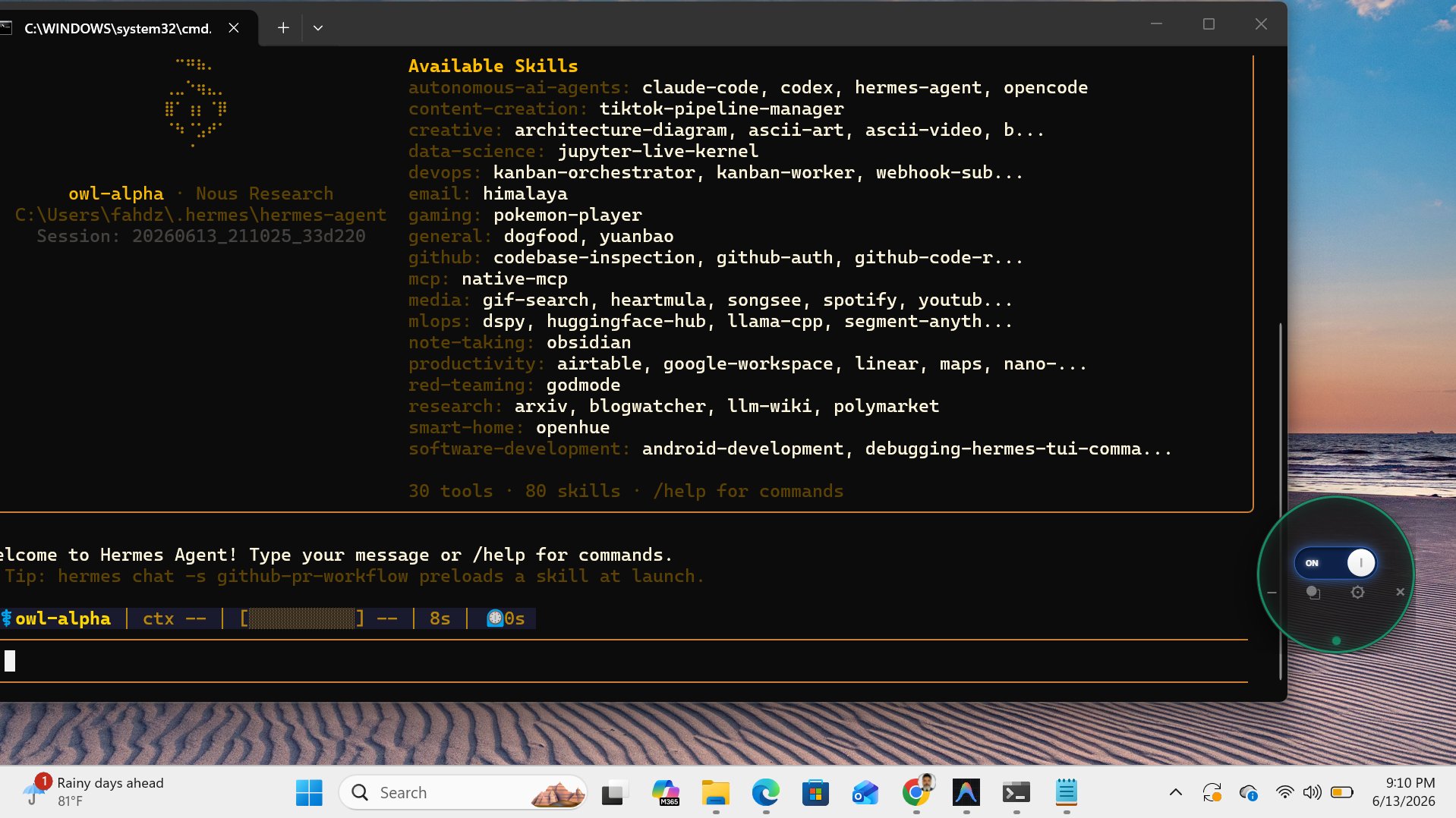
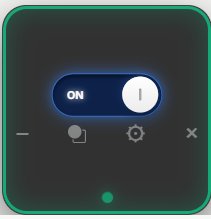
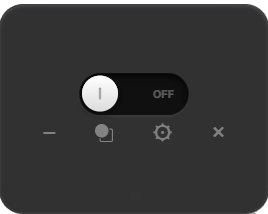
A floating circular widget with a single toggle that instantly overrides OS sleep and hibernation — flip it once, your session never taps out.
Configurable safety limits keep your bag from turning into a panini press — LidOrbit throttles before things get toasty.
Fully customizable alarm fires and safely suspends your tasks the moment battery hits 10% — no fried agents, no lost context.
Modern dev work isn't a 9-to-5 at a desk anymore — it's a fine-tune running while you grab a coffee, a local LLM crunching embeddings on the train, an agentic loop scraping and refactoring while you're heads-down in a standup somewhere else.
Every laptop OS on the planet is engineered around one assumption: closed lid = done working. That assumption is dead. The work doesn't stop just because you need to move.
LidOrbit kills that assumption. It's the difference between losing six hours of compute to a sleep state and walking back to a finished build, a trained model, or a completed pipeline — no babysitting required.
LidOrbit was born out of a common coffee-shop frustration. ZeroKool Technologies founder, Fahd Ali, watched countless vibe coders and AI engineers awkwardly balancing half-open laptops while rushing into Ubers just to keep their terminal loops from dying.
Why sacrifice hardware mobility for process persistence? Fahd engineered LidOrbit to give developers absolute freedom: flip the switch, close your laptop, pack it away, and let your code finish the job.
— ZeroKool Technologies // est. for builders who don't stop
Drop it next to Claude Code, Codex, Hermes Agent, OpenCode, or whatever you've got running in the terminal. The toggle stays one glance away — flip it ON, snap the lid shut, and let the agent cook while you're out grabbing coffee.
Works alongside any CLI agent, local model runner, or long-running script. LidOrbit doesn't care what's in your terminal — it just makes sure the terminal doesn't go to sleep on you.
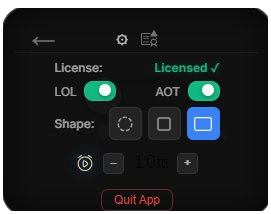
Tap the gear to pull up settings: check your license status, flip Launch on Login (LOL) and Always on Top (AOT), pick a shape, and dial in the battery alarm interval — capped at a sensible 8-minute minimum so you never get spammed.
The license icon up top links straight to the privacy policy and terms, no digging through menus required.
Cycle through Circle, Square, and Rectangle with a single tap — drag it anywhere on screen, on any monitor.
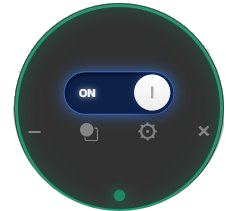
Circle · 140×140
Square · 140×140
Rectangle · 180×140